World Biggest Gaming Fix & Guide Platform

Discover practical gaming guides, troubleshooting solutions, performance tips, and gaming gear recommendations all in one place. GameFixLab helps players solve gaming problems, improve their setup, and get more out of every game they play.
Find Your Favorite Game

Choose a game to discover troubleshooting guides, performance tips, settings, updates, and solutions to common gaming problems.

Free Fire problems and solutions
Free Fire Game
Blood Strike Game
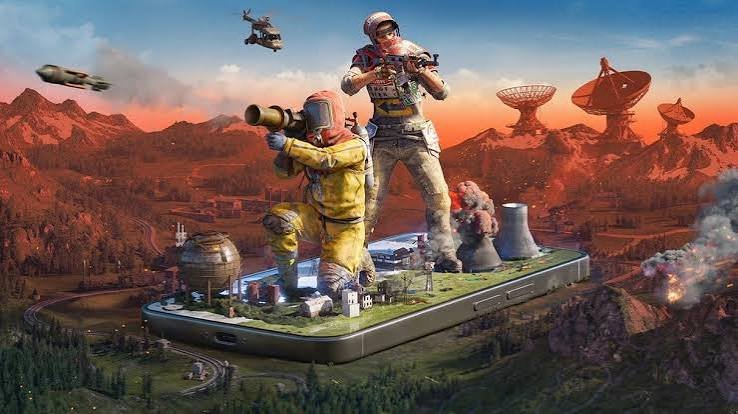
rust mobile game
Rust Mobile Game
Fortnite Game

WHAT CAN WE HELP YOU FIX?

Having trouble with your game? Find practical solutions to common gaming problems and performance issues.

FPS Drops & Stutter

High Ping & Lag

Overheating

Audio & Problems

Controls & Sensitivity

Battery Drain

WHY GAMEFIXLAB

From Gaming Problems to Real Solutions

Gaming problems can turn an exciting session into a frustrating experience. GameFixLab helps you understand what's going wrong and find practical solutions for common gaming issues from FPS drops and high ping to overheating, crashes, audio problems, and performance settings.

Choose your game, identify your problem, and discover clear guides designed to help you troubleshoot issues, optimize performance, and get back to better gaming.

01 — Identify the Problem

Understand what's causing the issue.

02 — Find the Solution in Gamefixlab

Follow practical, easy-to-understand troubleshooting guides.
gamefixlab

Popular Games in the World

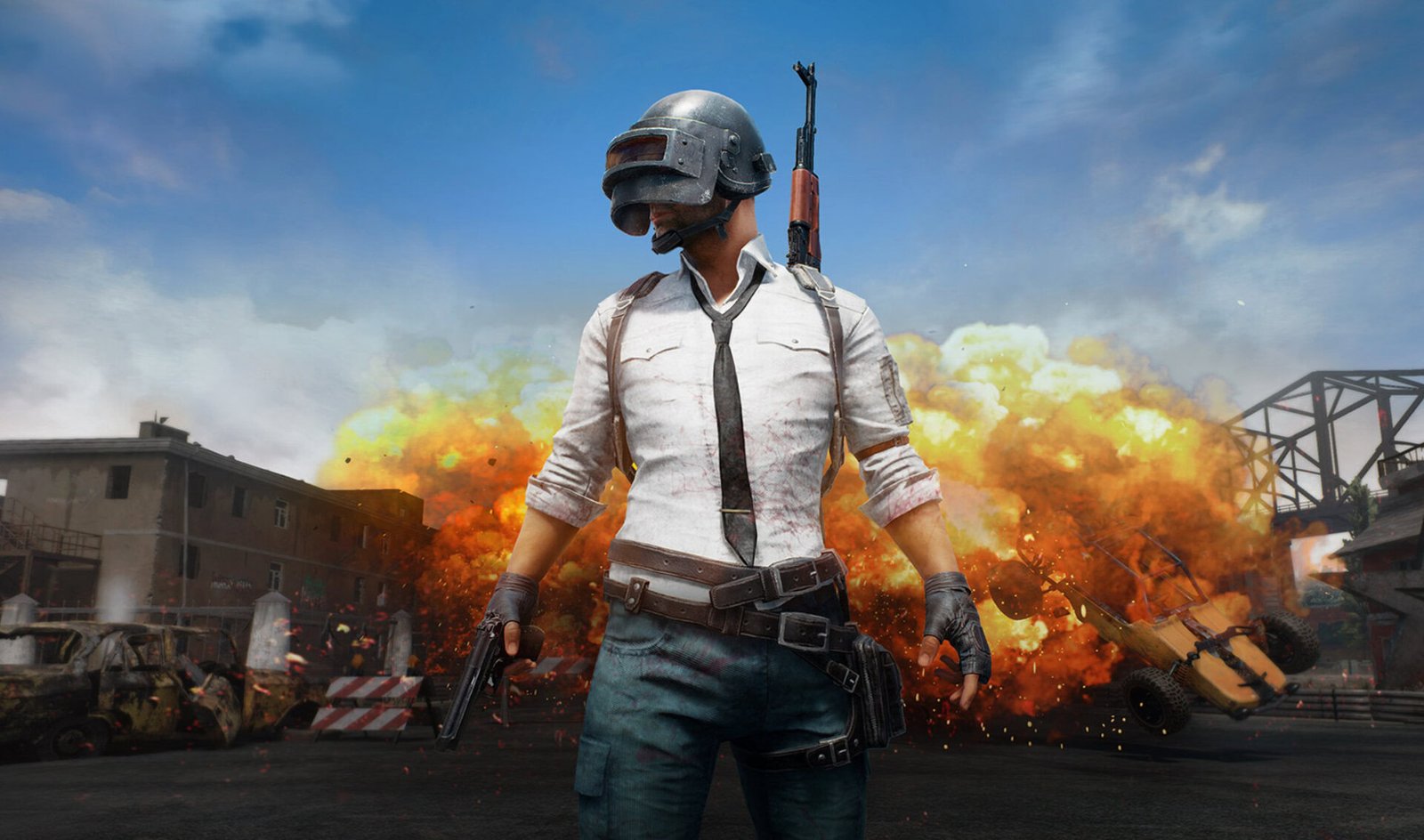
PUBG / BGMI Gaming Guides & Solutions

PUBG and BGMI offer intense competitive gameplay, but problems such as FPS drops, lag, high ping, overheating, crashes, battery drain, and difficult controls can quickly affect your experience. GameFixLab provides practical guides to help players understand common PUBG/BGMI problems and find effective ways to improve gameplay performance.

Whether you're playing on a budget smartphone, a high-end mobile device, or another supported platform, our PUBG/BGMI guides cover performance optimization, graphics and sensitivity settings, connection issues, overheating, audio problems, and other common gaming difficulties. Main goal of Gamefixlab is to make troubleshooting easier so you can spend less time fixing problems and more time playing.

1. Why does PUBG/BGMI lag even when my internet is good?

Lag isn't always caused by your internet speed. High latency, unstable Wi-Fi/mobile data, packet loss, background apps, device performance, or server distance can also affect gameplay. Checking your connection stability and optimizing your device can help identify the actual cause.

Start by lowering demanding graphics settings, closing unnecessary background applications, keeping enough free storage, and ensuring your device isn't overheating. You should also keep the game and your device software updated. The best settings depend on your device's hardware.

PUBG/BGMI places significant demands on your processor and graphics hardware, especially during long sessions or when using high graphics and frame-rate settings. High brightness, charging while playing, poor ventilation, and a warm environment can increase heat. Reducing graphics load, taking breaks, and keeping the device properly ventilated can help.

PUBG/BGMI may crash because of insufficient available memory, outdated game files, corrupted data, overheating, background apps, or device compatibility issues. Restarting the device, updating the game, clearing unnecessary storage, and reducing graphics settings can help. If the problem continues, checking for a game update or known server-side issue is recommended.

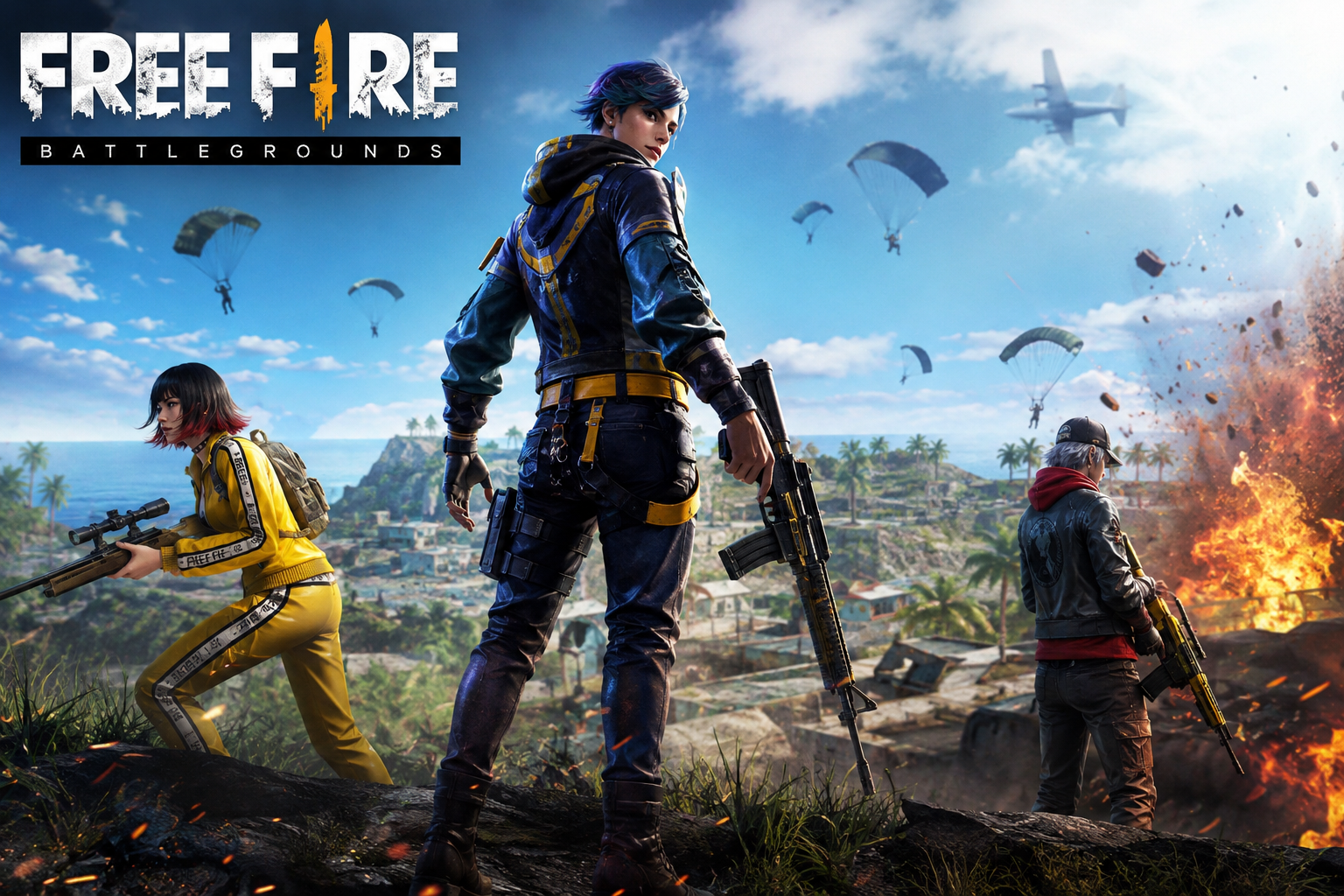
Free Fire Gaming Guides & Solutions

Free Fire is designed for fast-paced mobile gameplay, but players can still face problems that affect their experience. Common concerns include high ping, lag, FPS drops, game crashes, overheating, battery drain, sensitivity and aiming issues, login problems, and poor performance on low-end phones. GameFixLab provides practical guides focused on solving these problems and helping players get smoother, more responsive gameplay.

Whether you're playing Free Fire on an entry-level device or a more powerful smartphone, our guides focus on the questions players actually need answered. From how to reduce lag and ping to the best performance settings, sensitivity adjustments, overheating solutions, and troubleshooting crashes, GameFixLab aims to make Free Fire problems easier to understand and fix.

1. Why is Free Fire lagging even though my internet is working?

Free Fire can lag even when your internet appears normal. High ping, unstable mobile data or Wi-Fi, packet loss, background downloads, server distance, and network congestion can all cause delays. Checking your connection stability, closing bandwidth-heavy apps, and switching to a more reliable network can help identify the cause.

Start by lowering graphics settings if your phone struggles with performance, closing unnecessary background apps, freeing up storage, and avoiding playing while the device is overheating. Using a stable network can also reduce network-related lag. For lower-end phones, prioritizing smoother performance over high visual quality is usually more effective.

Free Fire may crash because of insufficient RAM, low storage space, corrupted game data, outdated software, overheating, or other apps consuming system resources. Restarting your phone, freeing storage, updating the game, closing background apps, and reducing graphics settings can help. If crashes continue, the problem may require checking the game's current version or device compatibility.

Long gaming sessions can put continuous load on your phone's processor and graphics hardware. High brightness, high graphics settings, charging while playing, background apps, poor ventilation, and a hot environment can make the device warmer. Lowering demanding settings, removing the phone from thick cases while gaming, taking breaks, and avoiding gaming while charging can help manage heat.

Delta Force Gaming Guides & Solutions

Delta Force can deliver demanding large-scale battles, but performance and connection problems can make the experience frustrating. Players commonly look for solutions to FPS drops, micro-stuttering, freezing, shader-compilation problems, crashes, high ping, long queue times, and sudden performance drops after updates. GameFixLab focuses on practical Delta Force troubleshooting guides that help you identify what's causing the problem and what you can try to fix it. Recent community discussions show that even systems with otherwise strong hardware can experience stuttering or unusually low 1% lows, while some players report sudden performance changes after game updates.

Whether you're playing Delta Force on PC or mobile, our guides focus on the problems players actually encounter rather than generic gaming advice. You'll find help with graphics and performance settings, shader-related issues, crashes during startup, connection and server problems, and mobile frame drops or input problems. The goal is simple: help you spend less time troubleshooting and more time playing.

1. Why is Delta Force stuttering or dropping FPS even though I have a good PC?

A high average FPS does not always mean smooth gameplay. Micro-stutters, poor 1% lows, shader compilation, graphics settings, overlays, drivers, and game updates can all contribute to inconsistent performance. Recent players have reported severe stuttering despite having hardware capable of running other demanding games smoothly.

Some PC players have reported crashes during shader compilation or immediately after reaching the end of the compilation process. Community troubleshooting has included checking drivers, verifying game files, investigating background software, and in some cases testing different rendering options. Because the cause can vary by hardware and software configuration, it's important to troubleshoot the specific crash rather than assume one fix works for everyone.

Connection and matchmaking problems can be related to server selection, regional availability, network conditions, or current server load. Players have reported situations where some regions have much higher ping or unusually long queues than others. If your ping suddenly changes, comparing available regions and checking whether the problem affects other online games can help determine whether the issue is local or server-related.

Mobile players have reported situations where FPS drops become particularly severe during combat, sometimes accompanied by temporary input or touch-response problems. Heavy scenes, device temperature, graphics settings, available resources, and game optimization can all affect mobile performance. If the problem happens mainly during intense fights rather than throughout the entire game, comparing performance at different graphics and frame-rate settings can help identify the cause.

✦ STILL LOOKING FOR A FIX?

Can't Find the Solution You Need?

Gaming problems don't always have simple answers. ││ Explore our growing collection of gaming guides ││ and find practical solutions for your problem.

[ Explore All Solutions ]      [ ✉ Contact Us ]

PUBG •• FREE FIRE •• DELTA FORCE •• CALL OF DUTY •• ARENA GAME •• FORTNITE •• RUST MOBILE •• BLOOD STRIKE •• MORE

Scroll to Top