
If PUBG Mobile low FPS is making your matches feel choppy, you’re not necessarily dealing with a weak phone. Players with powerful Android phones, iPhones, iPads, and even gaming-focused devices have reported FPS drops, stuttering, overheating, and unstable frame rates after updates. Recent community reports include devices capable of 120 FPS dropping dramatically during matches, while others report stuttering despite low CPU/GPU usage.
That distinction matters.
A phone can show 120 FPS in the settings or FPS counter and still feel terrible if frame times are unstable. Players have also reported situations where ping remains normal but the game becomes choppy, particularly after an update. Read About Delta force game.
This guide focuses on the actual problems players are reporting and the fixes worth trying, rather than pretending that changing one magical setting will turn every phone into a gaming flagship.
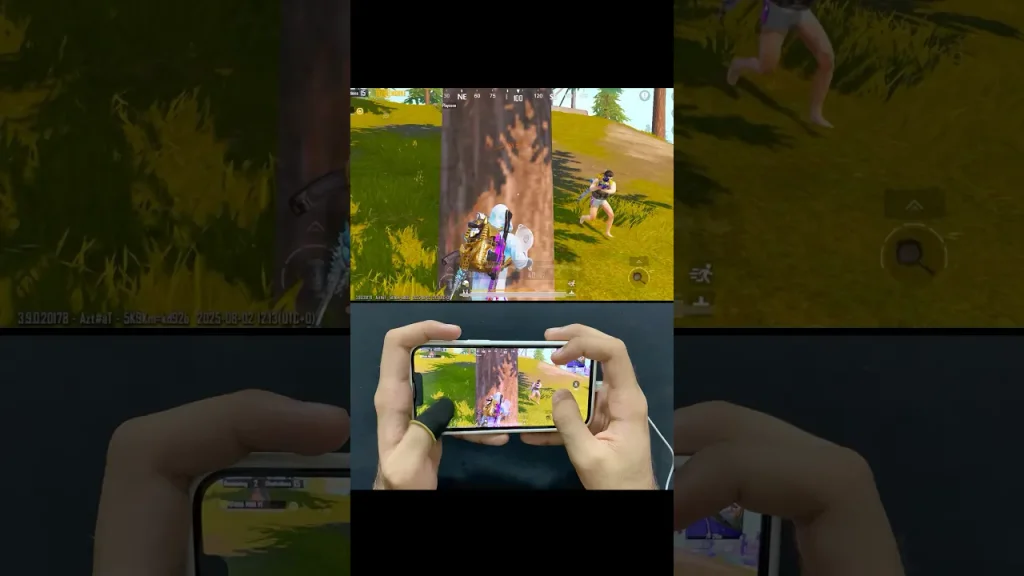
Why Is PUBG Mobile Running at Low FPS?
PUBG Mobile low FPS can come from several different causes:
- Graphics settings are too demanding
- The phone is overheating
- The device is using a power-saving mode
- Background apps are consuming resources
- PUBG Mobile is poorly optimized for a particular device
- A recent update introduced performance problems
- The selected FPS mode is not actually supported on your device
- Game resources are still loading
- The device’s processor or GPU is reaching its limits
- Frame-time spikes are creating stuttering
- An emulator is configured incorrectly
Recent Reddit discussions show that these problems can occur even on relatively powerful hardware. One Poco X6 Pro owner reported FPS falling from around 120 to 70–80 during heavy fights and becoming unstable even in the training ground.
So before buying a new phone, diagnose the problem.
1. First Check Whether You Actually Have an PUBG Mobile low FPS Problem
Players often use lag, FPS drops, and ping to describe the same thing. They aren’t the same.
FPS problem
The game looks:
- Choppy
- Jerky
- Uneven
- Slow during fights
- Visibly worse when many players or effects appear
Network problem
You may notice:
- High ping
- Delayed hit registration
- Players teleporting
- Delayed movement
- Connection warnings
Stuttering
This is slightly different again.
You might have an average of 100–120 FPS but still experience sudden freezes or frame-time spikes.
A March 2026 Reddit discussion described exactly this situation: the player reported an average of 120 FPS but severe stuttering and unusually poor 1% and 0.1% lows. Other users reported similar behavior on high-end devices.
If your ping is good but PUBG Mobile feels choppy, don’t automatically blame your internet.
2. Lower Graphics Before Lowering Everything Else
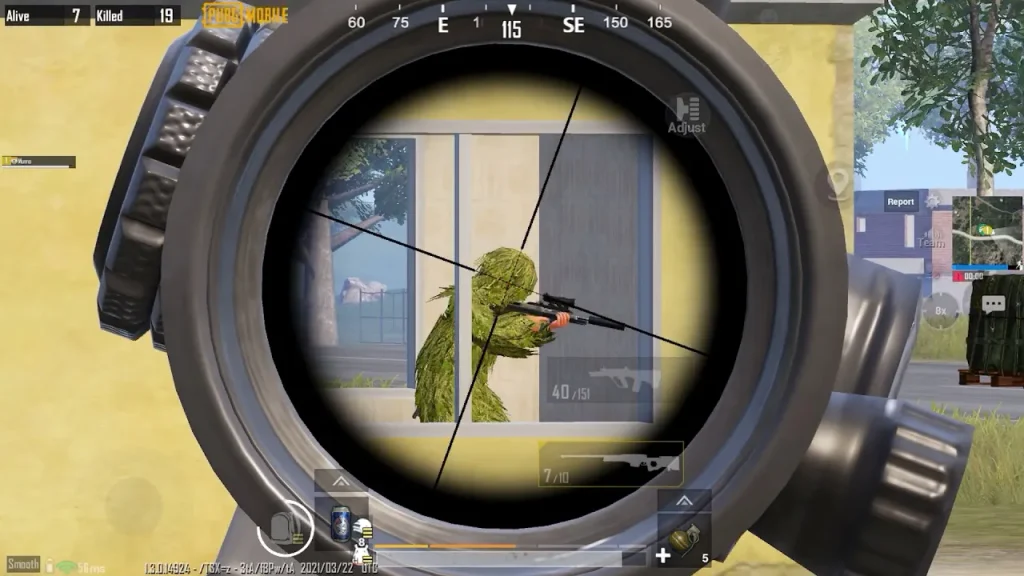
If you’re experiencing PUBG Mobile low FPS, start with the game’s own graphics settings.
A practical starting point is:
Graphics: Smooth or another lower-performance preset
Frame Rate: Highest stable option available
Don’t simply select the highest possible FPS and assume it is automatically better.
For example, if your phone can briefly reach 120 FPS but falls to 55–70 FPS whenever a fight becomes intense, a stable 90 FPS may provide a better experience.
Why?
Because consistent frame delivery matters.
A stable lower frame rate can feel smoother than a higher frame rate with large drops.
Players have reported exactly this kind of behavior, including devices advertised as capable of high FPS that nevertheless become unstable during matches.
3. PUBG Mobile FPS Drops During Fights
This is one of the most frustrating versions of the problem.
Your game may run perfectly while:
- You’re alone
- You’re in the lobby
- You’re moving through an empty area
Then suddenly:
Enemy appears → smoke → explosions → multiple players → FPS drops.
That’s not necessarily an internet problem.
Combat creates a heavier workload because the device has to process more objects, effects, animations and player activity.
Try this
- Lower graphics quality
- Use a stable FPS setting
- Disable unnecessary visual effects where the game allows it
- Close background apps
- Keep the device cool
- Avoid playing while the phone is already hot
- Test performance in Training Ground before ranked matches
Recent players have reported FPS drops specifically during crowded fights and event areas, including large drops after game updates.
4. PUBG Mobile Stuttering Even With Good FPS
This is where many troubleshooting guides get things wrong.
You can have:
120 FPS average
and still have:
terrible stuttering.
Why?
Because average FPS doesn’t tell the entire story.
If individual frames take much longer than others to render, the game can feel jerky even though the FPS counter looks impressive.
One recent PUBG Mobile discussion described severe frame drops despite relatively low GPU and CPU utilization. Another user with a high-end S23 Ultra reported similar stuttering.
What to try
- Lower graphics quality.
- Test another FPS mode.
- Restart PUBG Mobile.
- Restart the phone.
- Close background applications.
- Turn off power-saving modes.
- Check device temperature.
- Test another game to compare performance.
- If the problem started after an update, investigate whether other players have the same issue.
If PUBG Mobile alone is stuttering while other demanding games remain smooth, that is evidence worth considering before blaming the phone.
5. Your Phone’s 120Hz Display Does Not Guarantee 120 FPS
This causes a lot of confusion.
A phone can have a:
120Hz display
without PUBG Mobile providing:
120 FPS.
The display refresh rate and the game’s supported frame rate are separate things.
Recent players have reported 120Hz devices remaining locked to 60 FPS or only receiving 90 FPS options. One January 2026 discussion specifically involved a 120Hz device that remained limited to 60 FPS in PUBG Mobile. Other users explained that display refresh rate alone does not guarantee enough processing power or game support for 120 FPS.
Another player with a Snapdragon 8 Gen 3 and 120Hz display reported that PUBG Mobile only offered up to 90 FPS on that device.
So if 120 FPS isn’t available
It doesn’t automatically mean:
- Your phone is broken
- Your display is defective
- Your internet is slow
PUBG Mobile may simply not enable that frame-rate option for your particular device or software configuration.
6. Why Can’t I Get 90 or 120 FPS on a Powerful Phone?
This is one of the biggest complaints in the PUBG Mobile community.
Players frequently assume:
“My phone has a 120Hz screen and a powerful processor, so PUBG Mobile should give me 120 FPS.”
That isn’t necessarily true.
Game developers can restrict frame-rate options by device model, software version, optimization profile or other technical considerations.
Community reports show users with capable hardware still waiting for higher FPS support.
What you can do
- Update PUBG Mobile
- Update your device software
- Check the available FPS options in Graphics settings
- Use the highest officially available option
- Avoid unofficial tools that modify game files or bypass restrictions
If PUBG Mobile doesn’t officially expose 120 FPS for your device, forcing it through third-party modifications isn’t a reliable solution.
7. PUBG Mobile Gets Hot and Then FPS Drops
Heat is one of the most important causes of mobile gaming performance problems.
When a phone becomes too hot, its hardware may reduce performance to control temperature.
This can create a cycle:
High workload → heat → reduced performance → FPS drops
Recent PUBG Mobile players have reported increased device temperatures alongside stuttering and FPS drops following updates.
Reduce heat
Try:
- Remove a thick phone case while gaming
- Don’t play in direct sunlight
- Avoid charging while playing if the phone becomes very hot
- Reduce graphics quality
- Use a suitable phone cooler if you already own one
- Give the phone breaks during long sessions
- Close unnecessary background applications
A cooler can help, but it cannot repair poor game optimization. One Reddit user reported using a powerful cooler and still experiencing severe instability after an update.
8. PUBG Mobile low FPS Became Worse After an Update
This deserves special attention.
If you had:
Stable 60/90/120 FPS before an update
and suddenly get:
FPS drops + stuttering + heat + freezing
don’t immediately assume your phone suddenly became too weak.
Recent community reports describe this exact pattern following PUBG Mobile updates. Players have reported frame drops after patches, increased heat, and rendering problems on devices that previously performed normally.
One March 2026 report described a player with a strong phone experiencing choppy gameplay after an update despite stable internet and previously smooth 120 FPS performance. Reinstalling PUBG Mobile reportedly fixed the problem for that user.
What to do after an update
Try:
- Restart the phone.
- Check for another PUBG Mobile update.
- Recheck graphics and FPS settings.
- Download any missing game resources.
- Clear cache on Android.
- Restart the game.
- Test another map or mode.
- Reinstall only if necessary.
- Check current community reports.
- Submit a bug report if the problem persists.
If thousands of players suddenly report the same issue after an update, the fix may require a developer-side patch.
9. PUBG Mobile Low FPS on iPhone and iPad
Apple devices aren’t automatically immune to FPS problems.
An Apple Support Community discussion involved an iPhone 16 Pro Max experiencing significant FPS drops and choppy PUBG Mobile gameplay despite the device being updated and the game running more smoothly at 90 FPS than 120 FPS.
PUBG Mobile players have also reported FPS instability on iPad Pro models, including drops from higher FPS settings during matches.
If you’re using iPhone or iPad
Try:
- Disable Low Power Mode
- Restart the device
- Update iOS/iPadOS
- Update PUBG Mobile
- Lower the graphics setting
- Test 90 FPS instead of 120 FPS
- Check device temperature
- Close unnecessary applications
If 90 FPS is stable while 120 FPS repeatedly drops, 90 FPS may be the better setting.
The objective is smooth gameplay, not winning an argument with the FPS counter.
10. PUBG Mobile Low FPS on Android
Android performance varies enormously because there are many combinations of:
- Chipsets
- GPUs
- RAM
- Manufacturers
- Android versions
- Thermal systems
- Manufacturer software
A Snapdragon-powered phone and a MediaTek-powered phone can behave very differently even when their specifications appear similar.
Try these Android fixes
1. Restart the device
This clears temporary background processes.
2. Disable battery-saving mode
Power-saving features can restrict performance.
3. Close background applications
Especially:
- Screen recorders
- Video editors
- Browsers with many tabs
- Floating apps
- Other games
4. Clear PUBG Mobile cache
Android generally provides a cache-clearing option through the app settings.
5. Keep the phone cool
Heat can cause performance throttling.
6. Use the highest stable FPS option
Don’t automatically choose the highest number if it causes large drops.
11. Does RAM Cause PUBG Mobile FPS Drops?
RAM matters, but more RAM does not automatically mean more FPS.
Your phone’s processor and GPU are also extremely important.
A community discussion about PUBG Mobile performance specifically debated whether 8GB RAM was enough, with users pointing out that the system-on-chip is often more important to gaming performance than simply increasing RAM.
If your phone has sufficient RAM and PUBG Mobile is still dropping frames, adding or freeing a small amount of RAM isn’t necessarily going to solve the underlying problem.
Look at the whole system:
CPU + GPU + thermal performance + software + game optimization.
12. Does Storage Affect PUBG Mobile FPS?
Running out of storage can cause broader device and game problems, but storage capacity should not be confused with raw GPU performance.
If your phone is nearly full, however, it is sensible to free space.
Check:
- Available storage
- Downloaded PUBG Mobile resources
- Large videos
- Unused applications
- Temporary files
If the game is missing or repeatedly downloading resources, performance can also become inconsistent while assets are being loaded.
Recent players have reported texture and rendering problems where buildings, weapons and other assets failed to load correctly after updates.
13. PUBG Mobile Has Low FPS Only in Certain Areas
If your FPS is normal most of the time but collapses in:
- Crowded areas
- Event zones
- Smoke
- Heavy combat
- Certain maps
the problem may be related to the amount of rendering and processing happening in that particular situation.
For example, a player reported FPS falling dramatically when entering a new colored-smoke effect, with the frame rate dropping to roughly 5–10 FPS on an M1 iPad Pro.
Another recent discussion described heavy texture loading and stuttering in event areas despite stable FPS and normal device temperature.
What this tells you
If the problem happens only under specific conditions, don’t immediately replace your phone.
Test:
Normal area → crowded area → combat → effects
If the FPS drop consistently occurs under the same conditions, it may point toward a game optimization or rendering issue.
14. PUBG Mobile FPS Looks High but the Game Feels Like 30 FPS
This is a particularly useful clue.
A forum discussion about PUBG Mobile running through an emulator described the game showing 80–90 FPS while feeling closer to 30 FPS. Other users pointed toward emulator configuration as a possible cause.
Another forum thread described PUBG Mobile running between 60 and 90 FPS while still experiencing substantial FPS drops, even on a powerful PC.
If you’re playing PUBG Mobile on PC
Check:
- Emulator version
- Emulator graphics settings
- Rendering mode
- Virtualization
- V-Sync
- Resolution
- Frame-rate limit
- CPU/RAM allocation
- GPU settings
Don’t use mobile-game troubleshooting blindly on an emulator.
PUBG Mobile on a phone and PUBG Mobile through an emulator are different performance environments.
15. Try a Clean Performance Test Before Changing Everything
If you’ve tried ten different settings at once, you won’t know which change helped.
Instead, perform a simple test.
Test 1
Set:
Low graphics + stable FPS
Play for 10–15 minutes.
Record:
- Average FPS
- Lowest noticeable FPS
- Device temperature
- Whether stuttering occurs
Test 2
Increase the FPS option.
Play the same type of match.
Test 3
Return to the previous setting.
This gives you actual evidence.
If:
60 FPS = stable
but
90 FPS = frequent drops
then 60 FPS may currently be the better choice.
If:
90 FPS = stable
but
120 FPS = unstable
then 90 FPS is probably the sensible setting.
The highest number isn’t automatically the best experience.
PUBG Mobile Low FPS Quick Fix Checklist
If you want the shortest possible troubleshooting sequence, use this:
First
- Restart PUBG Mobile
- Restart your phone
- Check for updates
- Close background apps
- Disable battery saver
- Check free storage
Then
- Set graphics lower
- Select the highest stable FPS option
- Check phone temperature
- Test another map/mode
- Switch off unnecessary overlays
- Clear cache on Android
If the problem started after an update
- Check whether other players have the same issue
- Check for a follow-up patch
- Repair/download game resources
- Consider reinstalling
- Report the problem
If FPS is high but gameplay still stutters
Investigate:
- Frame-time instability
- Device temperature
- Emulator settings
- Game optimization
- Recent updates
Should You Use a GFX Tool to Increase PUBG Mobile FPS?
Be careful with third-party tools that claim to unlock FPS or modify PUBG Mobile graphics.
They can change game files or settings in ways that aren’t officially supported.
A safer approach is to use the graphics and frame-rate options provided inside PUBG Mobile and troubleshoot the device itself.
If your phone officially supports only 60 or 90 FPS in PUBG Mobile, don’t assume an external tool can turn it into a legitimate 120-FPS device.
When PUBG Mobile Low FPS Is Probably a Game Problem
Consider the possibility of a game-side issue when:
- The problem appeared immediately after an update.
- Other games run normally.
- Your phone isn’t overheating.
- Your internet connection is stable.
- Lower graphics don’t solve it.
- Multiple players report the same problem.
- The same problem occurs on different high-end devices.
Recent PUBG Mobile discussions contain reports from Poco, Samsung, Apple, Xiaomi and other devices experiencing similar stuttering or FPS problems.
That doesn’t prove every FPS problem is caused by PUBG Mobile. It does mean “buy a better phone” is a terrible first diagnosis.
Frequently Asked Questions
How do I fix PUBG Mobile low FPS?
Start by lowering graphics, selecting a stable FPS option, closing background apps, disabling power-saving mode, restarting your phone and checking its temperature. If the problem appeared after an update, check whether other players are experiencing the same issue.
Why does PUBG Mobile FPS drop during fights?
Large fights create more processing work because of players, effects, animations and rendering. If your device cannot maintain the selected frame rate, FPS can drop. Lower graphics and use a stable FPS target.
Why is PUBG Mobile stuttering even at 120 FPS?
An FPS counter showing 120 doesn’t guarantee stable frame delivery. Frame-time spikes can make gameplay feel choppy even when the average FPS is high. Recent players have reported exactly this behavior.
Why is PUBG Mobile lagging when my ping is good?
If ping is stable but gameplay is choppy, you may be experiencing FPS drops or frame-time stuttering rather than network lag. Check FPS, device temperature and graphics settings.
Does a 120Hz phone support 120 FPS in PUBG Mobile?
Not necessarily. A 120Hz display can refresh up to 120 times per second, but PUBG Mobile still has to support the frame rate on your particular device. Recent users with 120Hz displays have reported being limited to 60 or 90 FPS.
Why did PUBG Mobile FPS drop after an update?
Updates can introduce optimization, rendering or compatibility problems. Recent community reports describe FPS drops, stuttering and increased heat after updates.
Is 90 FPS better than 120 FPS in PUBG Mobile?
Not always. If your phone can maintain 120 FPS consistently, it can provide a smoother experience. But if 120 FPS constantly drops while 90 FPS remains stable, 90 FPS may feel better.
Does RAM increase PUBG Mobile FPS?
Not automatically. RAM is only one part of overall performance. The processor, GPU, thermal system, software and game optimization also matter.
Does overheating cause PUBG Mobile FPS drops?
Yes. When a device becomes too hot, it may reduce performance to control temperature. Keeping the phone cooler can help maintain more consistent performance.
Why does PUBG Mobile show high FPS but feel slow?
The FPS counter may show a high average while frame-time spikes cause visible stuttering. Emulator configuration can also create situations where the displayed FPS doesn’t match how smooth the game feels.
Should I reinstall PUBG Mobile if FPS suddenly drops?
Reinstallation can help if game files or resources are corrupted. However, it won’t fix every problem. If the issue affects many players after an update, a developer-side fix may be necessary.
Final Verdict
The best fix for PUBG Mobile low FPS depends on why the FPS is dropping.
If the phone is overheating, reduce the workload and improve cooling.
If graphics are too demanding, lower them.
If 120 FPS is unstable, use 90 FPS or another stable option.
If the game stutters despite good ping, investigate frame-time and device performance rather than your internet.
And if the problem appeared immediately after a PUBG Mobile update and is happening to players on multiple devices, there may be nothing wrong with your hardware at all. Recent community reports show this pattern repeatedly, including FPS drops after patches, stuttering on high-end devices, and rendering problems in specific game situations. Read PUBG mobile is not working and Pubg Game Problems and solutions.
Thank You

Pingback: PUBG Mobile Stuttering - How to Fix Freezing, Frame-Time Spikes and Choppy Gameplay in 2026
Pingback: PUBG Mobile Keeps Crashing | 15 Step-by-Step Fixes for Android, iPhone & iPad